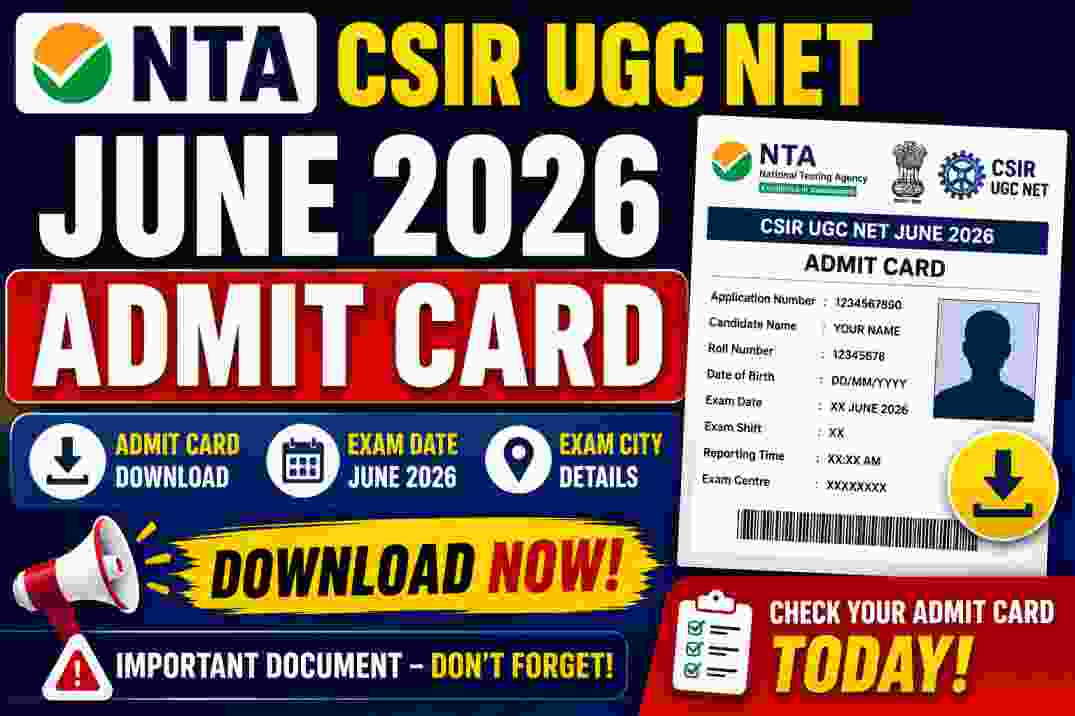
NTA CSIR UGC NET June Admit Card 2026

Stay Updated Daily
Join our channels and bookmark the page for instant job alerts, admit cards, results, and posts.
National Testing Agency (NTA-CSIR UGC NET) has released the Admit Card for the CSIR UGC NET June 2026 Examination on the official website of the NTA recently. The online application process for NTA CSIR UGC NET June online Form 2026 were accepted from 27 May 2026 to 19 June 2026. The Exam is going to conducted on 17,18 July 2026. Candidates who applied this form can download their NTA CSIR UGC NET June Admit Card 2026 , which are given below
Admit Card Details
How to Download NTA CSIR UGC NET June 2026 Admit Card
Follow these steps to download your admit card:
Visit the official NTA CSIR UGC NET website.
Click on the "CSIR UGC NET June 2026 Admit Card" link available on the homepage.
Enter your Application Number and Date of Birth (or Password).
Fill in the Security Pin (Captcha Code) correctly.
Click on the Submit/Login button.
Your Admit Card will be displayed on the screen.
Check all the details carefully:
Candidate Name
Roll Number
Photograph & Signature
Exam Date
Exam Shift
Exam Centre Address
Reporting Time
Click on the Download button to save the admit card as a PDF.
Take 2–3 clear printouts of the admit card and keep them safe for the examination.
If You Forgot Your Application Number
Click on "Forgot Application Number" on the login page.
Enter the required details to retrieve it.
Log in again and download your admit card.
Important Tips
Download the admit card only from the official NTA website.
Ensure your photograph and signature are clearly visible.
If you find any discrepancy, contact the NTA Help Desk immediately.
Carry a printed admit card along with a valid original photo ID to the examination centre.
Important Instruction
How to Check NTA CSIR UGC NET June Admit Card 2026
Follow these simple steps to download your admit card:
- Visit the official NTA CSIR UGC NET website.
- Click on the "CSIR UGC NET June 2026 Admit Card" link.
- Enter your Application Number and Date of Birth (or Password).
- Fill in the Security Pin (Captcha Code) displayed on the screen.
- Click on the Submit/Login button.
- Your Admit Card will appear on the screen.
- Verify all details carefully, including:
- Candidate Name
- Roll Number
- Photograph & Signature
- Exam Date & Shift
- Exam City & Centre Address
- Reporting Time
- Download the admit card in PDF format.
- Take 2–3 clear printouts of the admit card for the examination.
If You Face Any Issue
- Verify that your Application Number and Date of Birth are entered correctly.
- Clear your browser cache or try another browser.
- If the admit card is still unavailable, contact the NTA Help Desk immediately.
Important Events
| Item | Details | Notes |
|---|---|---|
| Exam | 17 Jul 2026 - 18 Jul 2026 |
Important Links
General Instructions
Before Exam Day:
- Download and print admit card
- Check exam center location
- Arrange valid photo ID proof
- Plan your travel route
On Exam Day:
- Reach center 30 minutes early
- Carry admit card and ID proof
- Follow COVID guidelines
- No electronic devices allowed
Required Documents
Mandatory:
- • Printed Admit Card
- • Original Photo ID Proof
- • Passport size photograph
Valid ID Proofs:
- • Aadhaar Card
- • Passport
- • Driving License
- • Voter ID Card
- • PAN Card