Advanced Image Resizer
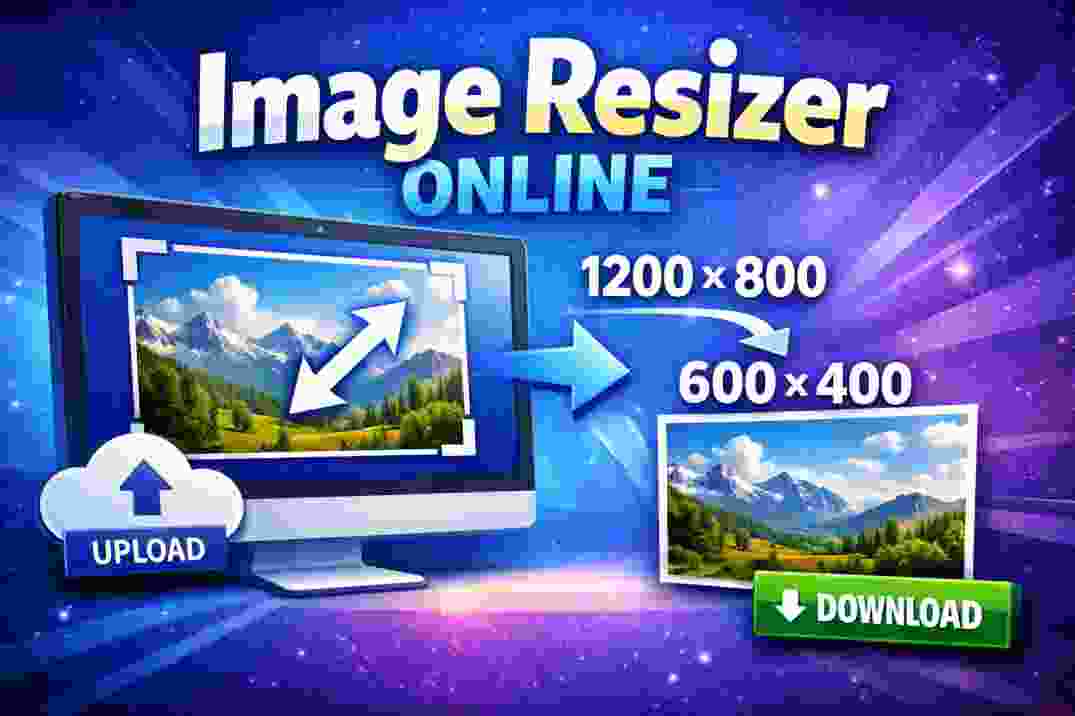
"Free Image Resizer Online lets you quickly change image dimensions in pixels. Upload any photo, set your desired width and height, and get a resized image instantly — no login needed."
📸 Image Resizer — Resize Photos in Pixels Online
Welcome to the Free Image Resizer Online tool on calculator.cl! This easy tool lets you resize your images in just a few clicks. Whether you need smaller dimensions for social media, web use, or email attachments, this tool helps you change your image size quickly and precisely.
No signup, no login — just upload your photo, enter the new width and height you want, and download the resized image instantly. It’s that simple.
🧠 Why Resize Images?
Resizing images is essential when you want to:
Meet website or blog image dimension requirements
Reduce file size for faster loading
Prepare photos for social media posts
Adjust images for presentations or documents
Make thumbnails or banners
The Image Resizer Online tool makes it easy without needing any software installation.
🧮 How It Works
To resize an image:
Upload your image from your device
Enter your desired width and height (in pixels)
Click Resize
Download the resized image
The tool automatically scales the image to your specified pixel dimensions.
If you want to keep the original aspect ratio, you can calculate the corresponding height or width before resizing.
📍 Tips for Best Results
When resizing for social media, check recommended image dimension guidelines first.
To keep the image from looking distorted, maintain the aspect ratio (proportional width and height).
For very large images, start with a size not too far from the final size you want to avoid quality loss.
🖼️ Common Use Cases
Resizing photos for Instagram posts
Preparing images for blogs or websites
Lowering file size for email or messaging
Creating custom thumbnails or graphics
This tool works for all types of images — JPEG, PNG, GIF, and more.
⚠️ Important Notes
This tool resizes images based on pixel dimensions only — it does not compress image quality unless you choose smaller dimensions.
If you need bulk image resizing, consider using dedicated software or batch tools.
SCAN THIS QR TO REACH WEBSITE
