ASPECT RATIO CALCULATOR

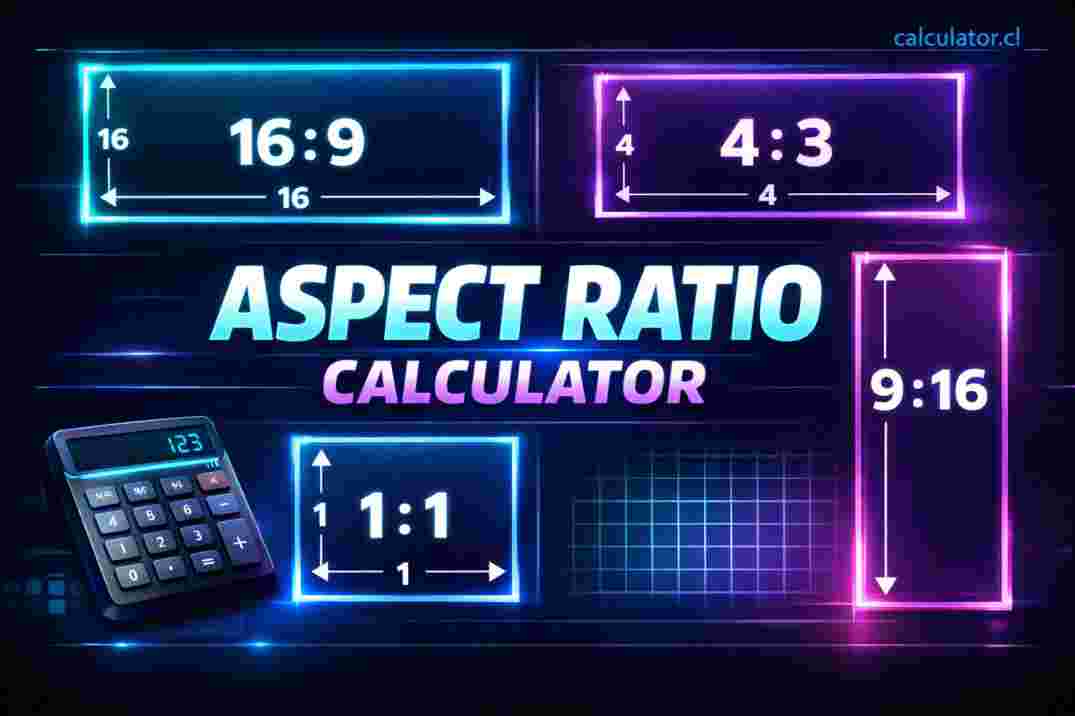
"Quickly calculate aspect ratios with the Free Aspect Ratio Calculator. Enter width and height to find aspect ratios, scale sizes, and compatible resolutions — perfect for images, videos, and screens."
📏 Aspect Ratio Calculator — Find Perfect Width-to-Height Ratios
Welcome to the Free Aspect Ratio Calculator on calculator.cl! This tool helps you calculate the aspect ratio between two dimensions — width and height — so you can scale images, videos, or screens without distortion. Whether you’re resizing graphics, matching video formats, or planning display layouts, this calculator gives accurate ratios and scaled values instantly.
No login or signup is required — just enter your values and click Calculate!
🧠 What Is an Aspect Ratio?
An aspect ratio is the proportional relationship between width and height. It’s written as W:H — for example, 16:9, 4:3, or 1:1. Aspect ratios ensure your content maintains the correct shape when scaled, avoiding stretching or squashing.
Common uses:
Video formats (e.g., 16:9, 4:3)
Social media images
Display screens
Print layouts
Web graphics
Understanding aspect ratio helps keep your visuals crisp and undistorted.
🧮 How It Works
To calculate aspect ratio:
Enter the width of your image or video (e.g., pixels, inches, cm)
Enter the height
Click Calculate
The calculator simplifies the ratio to its lowest terms (e.g., 1920 × 1080 → 16:9) and can also help you find scaled dimensions while maintaining the same ratio.
📊 Resize or Scale Dimensions
Once the aspect ratio is known, you can use it to compute matching widths or heights:
Want to keep a 16:9 image but change the width to 1280?
The calculator gives you the correct height (e.g., 1280 × 720)
Scaling an image up or down becomes easy and accurate
Avoid distortion — maintain correct proportions
📍 Why This Calculator Is Useful
Ensures graphics fit standard screen sizes
Helps editors prepare videos in correct formats
Assists designers with responsive layout planning
Avoids stretched or squashed images
Whether you’re a creator, designer, or developer, knowing and using correct aspect ratios is essential.
📌 Tips for Best Use
Enter values in the same units (e.g., pixels with pixels) for correct ratios
Use popular ratios (e.g., 16:9) for widescreen video
For social media, check platform-specific recommended ratios
⚠️ Important Notes
This tool deals with proportions — it doesn’t change image quality by itself
Actual pixel clarity depends on resolution and device sharpness
TO USE THIS TOOL VISIT https://calculator.cl/aspect-ratio-calculator/ OR SCAN THIS QR CODE.
