Free QR Code Generator

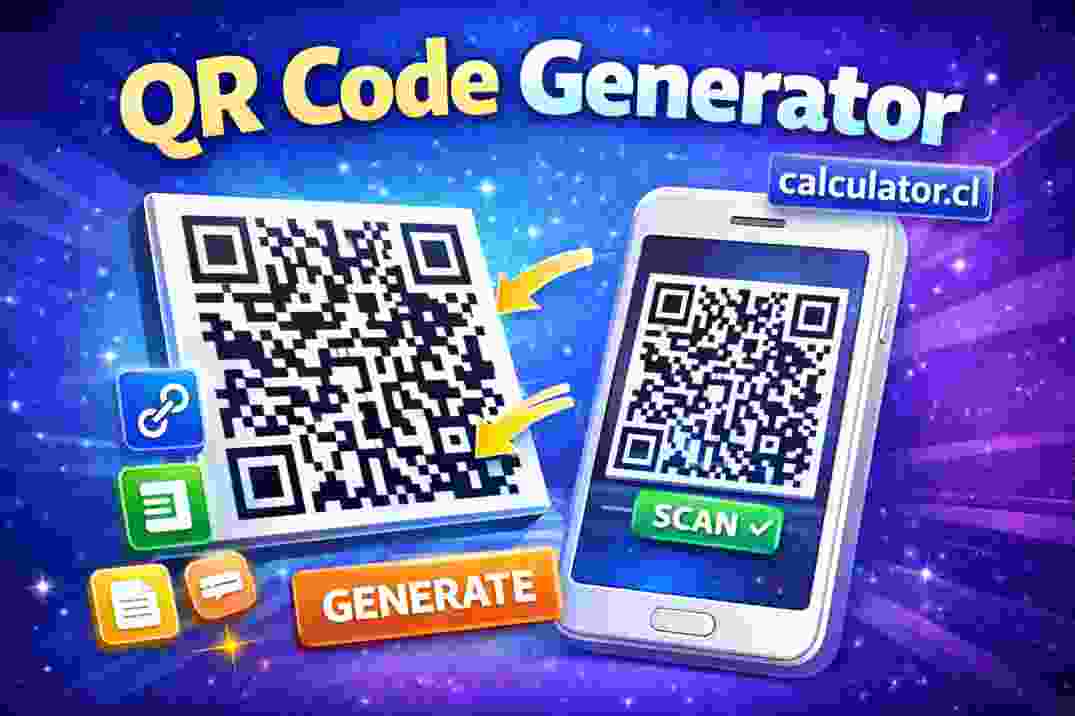
"Generate custom QR codes instantly with the Free QR Code Generator. Enter text, a link, or contact info to create a shareable QR code — fast, easy, and no login required."
📱 QR Code Generator — Create QR Codes Instantly
Welcome to the Free QR Code Generator on calculator.cl! This handy tool lets you create your own QR codes online in just a few clicks. Whether you want to share a website link, contact details, text, or other information, this generator creates a scannable QR code you can download and use anywhere.
No signup or login is required — just enter your data, click Generate, and your QR code will appear instantly.
🧠 What Is a QR Code?
A QR code (Quick Response code) is a type of barcode that stores information in a square pattern of black and white squares. When scanned with a smartphone or QR reader, it quickly reveals the encoded data — like a website link, message, phone number, or other text.
QR codes are widely used for:
Sharing website URLs
Linking to digital menus
Storing contact info (vCards)
Displaying text messages
Connecting to Wi-Fi
Marketing and signage
They’re easy for anyone with a camera phone to scan and use.
🧮 How It Works
To create your QR code:
Select the type of data you want to include (URL, text, contact info, etc.)
Enter your information in the input box
Click Generate QR Code
The tool instantly produces a QR code image based on your input. You can then download the QR code as a PNG or image file for use on websites, print materials, or social media.
The QR code that’s generated is ready to scan with any standard QR reader on phones and tablets.
📍 Popular Uses for QR Codes
Business cards — embed contact info for easy scanning
Flyers and posters — link to websites or event details
Menus and catalogs — share digital menus without printing
Marketing materials — make links easy for customers to access
Wi-Fi access — share network credentials securely
QR codes make sharing digital information fast and convenient.
📊 Tips for Best Results
Use a simple, short URL when possible for cleaner QR codes
Test your QR code with a smartphone before sharing widely
Choose high contrast when printing (black on white works best)
Download at high resolution if printing large
⚠️ Important Notes
QR codes only store the data you input — they don’t provide security or encryption by default.
Be cautious about encoding sensitive personal data without protecting it appropriately.
The generator creates static QR codes. For dynamic tracking or analytics, consider specialized QR services.
TO USE THIS TOOL VISIT https://calculator.cl/qr-code-generator/ OR SAN THIS QR CODE
