Pixel Density (PPI) CALCULATOR

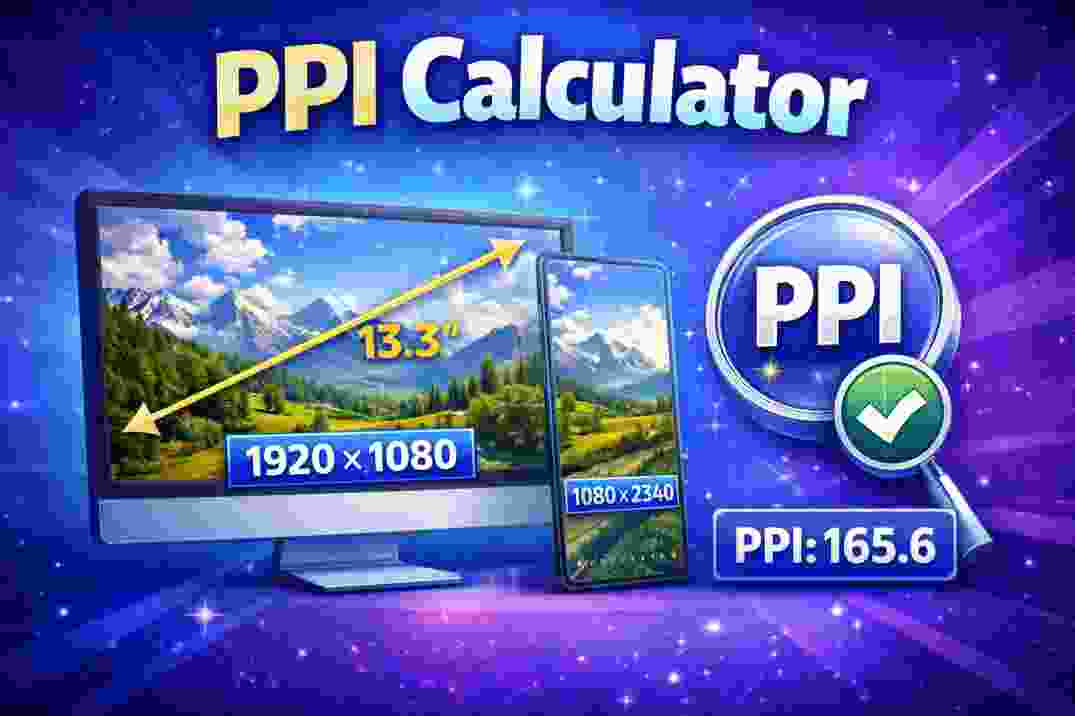
"Free PPI Calculator lets you calculate the pixels per inch (PPI) of a screen or image based on resolution and physical size. Quickly find pixel density to compare display sharpness — easy and no login required."
🖥️ PPI Calculator — Find Pixel Density (Pixels Per Inch)
Welcome to the Free PPI Calculator on calculator.cl! This tool helps you determine the pixel density of a digital display or image by calculating how many pixels fit into a single inch of screen. Pixel density — measured in PPI (Pixels Per Inch) — is a key measure of display clarity and sharpness.
Whether you’re choosing a monitor, comparing smartphones, or checking image quality, this calculator gives quick and accurate results — no login required.
📏 What Is PPI (Pixels Per Inch)?
PPI stands for Pixels Per Inch, a metric that tells you how many pixels are packed into one inch of a display or digital image. Higher PPI means pixels are closer together, which typically results in sharper text and images.
Unlike total resolution (e.g., 1920×1080), PPI reflects how large those pixels are on a physical screen, based on the screen’s diagonal size in inches.
🧮 How the Calculator Works
To find the PPI of a display or image:
Enter the horizontal resolution — width in pixels
Enter the vertical resolution — height in pixels
Enter the diagonal screen size in inches
Click Calculate
The calculator uses the formula:
PPI=(width2+height2)diagonal inches\text{PPI} = \frac{\sqrt{(\text{width}^2 + \text{height}^2)}}{\text{diagonal inches}}PPI=diagonal inches(width2+height2)
This formula first finds the diagonal pixel count using the Pythagorean theorem and then divides it by the physical screen size.
Your result shows pixel density — how many pixels appear per inch on the screen or image.
📊 Why PPI Matters
Pixel density affects how crisp and detailed visuals look:
High PPI → sharper text and images, ideal for phones, tablets, and premium screens
Medium PPI → good clarity on laptops and monitors
Lower PPI → acceptable for large TVs or screens viewed from a distance
Understanding PPI helps when comparing devices, picking displays for design work, or judging how fine details will appear on a screen.
📍 Tips for Using This Calculator
For smartphones and tablets, very high PPI (250+ PPI) often makes individual pixels hard to distinguish at normal viewing distances.
Lower PPI screens (like large TVs) may still look great from across the room, even with fewer pixels per inch.
If you’re checking image quality for printing, remember that PPI depends on both pixel count and physical printed size, not just screen resolution.
📌 Common Uses
This calculator is useful for:
Comparing display sharpness across devices
Determining if a screen has a “retina”-like density
Planning visuals or graphics for specific displays
Understanding how resolution and screen size affect clarity
⚠️ Note
PPI measures pixel density but doesn’t determine all aspects of display quality; factors like panel type, color accuracy, and refresh rate also influence visual experience.
TO USE THIS TOOL VSCAN THIS QR CODE
